How To Stream PlayStation On Discord Setup And Options
14 October 2026 | 49
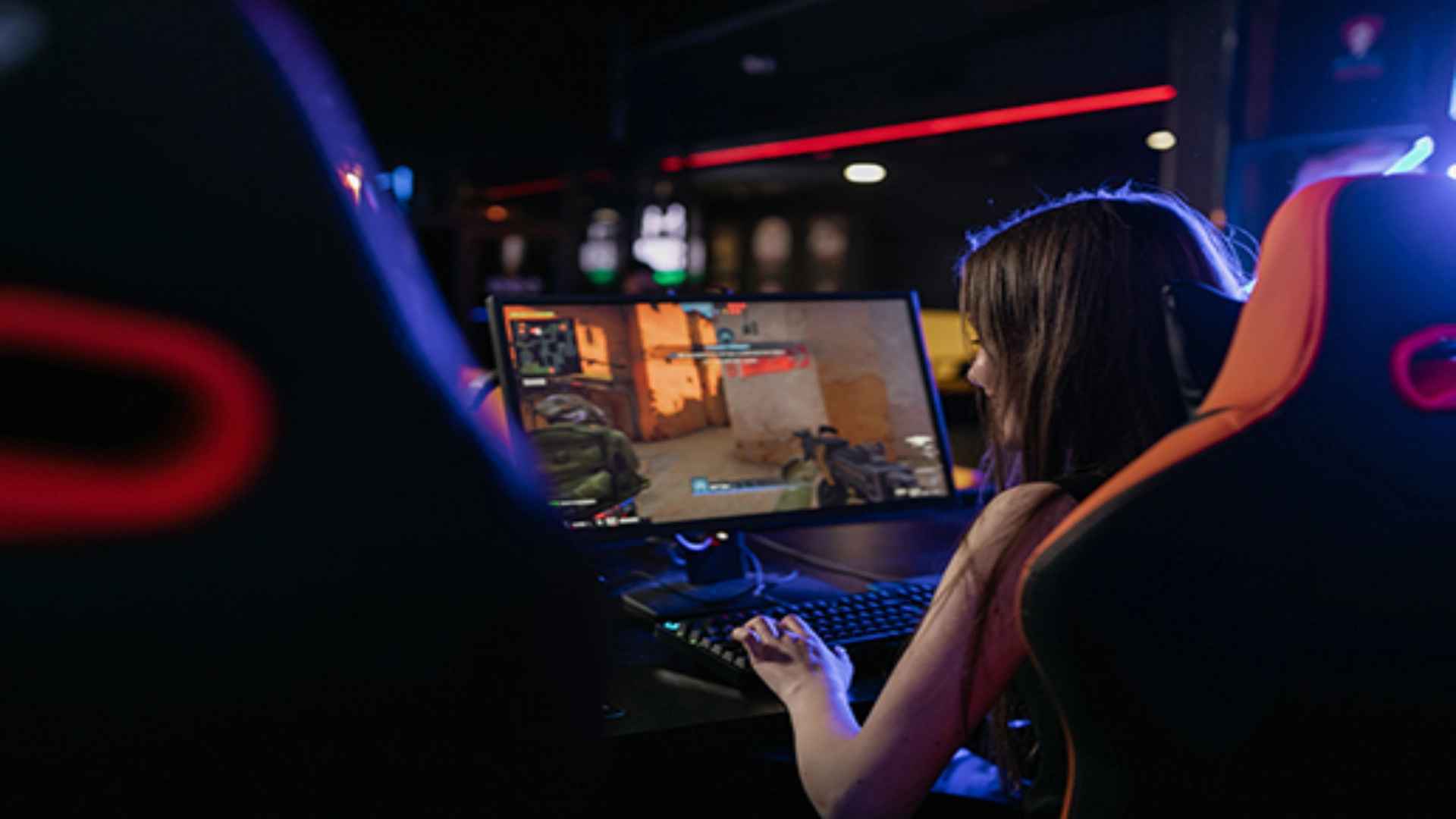
Connecting your PlayStation console to Discord allows gamers to share their gameplay live with friends and gaming communities. While PlayStation supports direct integration for Discord voice chat, streaming video directly from the console requires a few simple workarounds. Understanding the available setup methods helps you select the best approach for your personal gaming setup.
Using Remote Play for Free Discord Streaming
The most decision-friendly method to broadcast PlayStation gameplay to Discord is by using Sony's official Remote Play application on a PC or Mac. By linking your PlayStation console to your computer over your local network, you can mirror your game screen instantly. Once the Remote Play window is active on your desktop, you simply select that app window when starting a screen share inside a Discord voice channel.
This software approach requires no extra hardware devices, making it accessible to any gamer with a stable internet connection. To maintain minimal latency and avoid frame drops, connecting both your computer and console via wired Ethernet cables is highly recommended. Using a secondary PlayStation account on Remote Play also enables you to keep your controller connected directly to your console for the best responsiveness.
Hardware Capture Cards for High Quality Streams
For players seeking maximum video resolution and minimal input lag, utilizing a dedicated USB capture card provides a superior streaming experience. A capture card routes the HDMI output from your PlayStation directly into your PC as a camera input source. You can then display the live video feed through streaming software like OBS and share that clean output directly to your Discord channel.
This hardware setup offloads processing tasks from your local network stream, ensuring stable performance during demanding action games. While capture cards require an upfront hardware investment, they deliver consistent audio synchronization and crisp visual quality for your audience. It stands as the standard choice for enthusiasts and broadcast creators looking for high reliability.
Integrating Discord Voice Chat on PlayStation Consoles
Beyond sharing live video streams, modern PlayStation consoles allow users to join Discord voice channels directly through system settings. Linking your PlayStation Network account to Discord unlocks native voice controls right from the console dashboard. Players can balance game sounds and chat audio smoothly using the built-in control center menu.
This integrated voice connectivity lets you talk with cross-platform friends effortlessly while broadcasting your screen through a PC setup. Furthermore, toggling on game activity status lets your Discord friends view what title you are currently playing. Combining console voice features with computer screen sharing provides a complete multiplayer hub for your gaming group.